

Stock you can count on, in every warehouse
Know what is where, what is on its way between branches, and what needs ordering, without calling the warehouse.
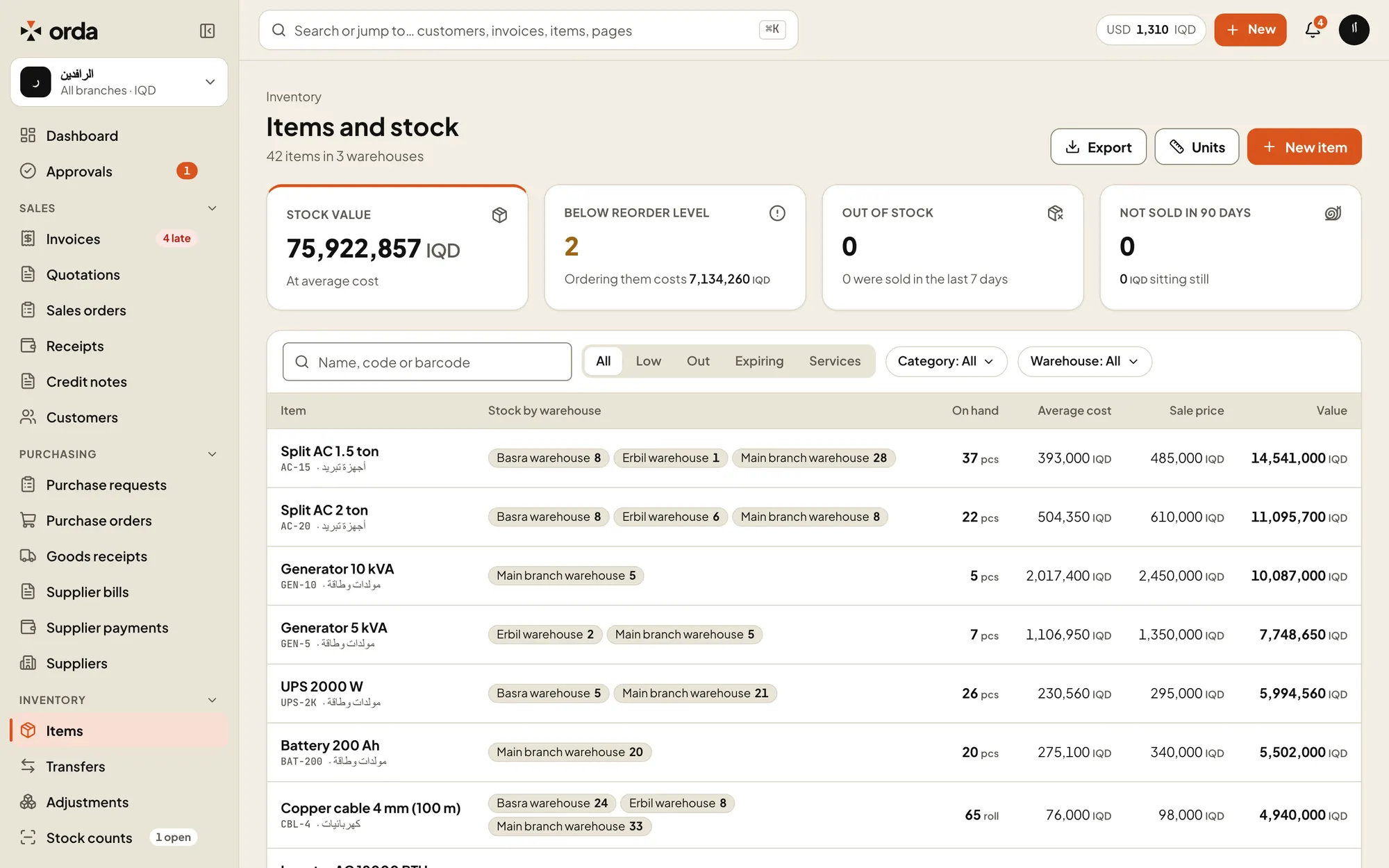
UnitsBuy by the carton, sell by the piece.Below reorder levelItems under their level in any warehouse, and what reordering costs.Stock by warehouseEvery warehouse’s quantity at a glance.
Items as you sell them
- Units and conversions
- Buy by the carton, sell by the piece. Orda converts between units.
- Barcodes
- Several barcodes per item. Scan with the phone camera to find an item and its stock.
- Batches and expiry
- Track batches and expiry dates where you need them. Orda suggests the first to expire first.
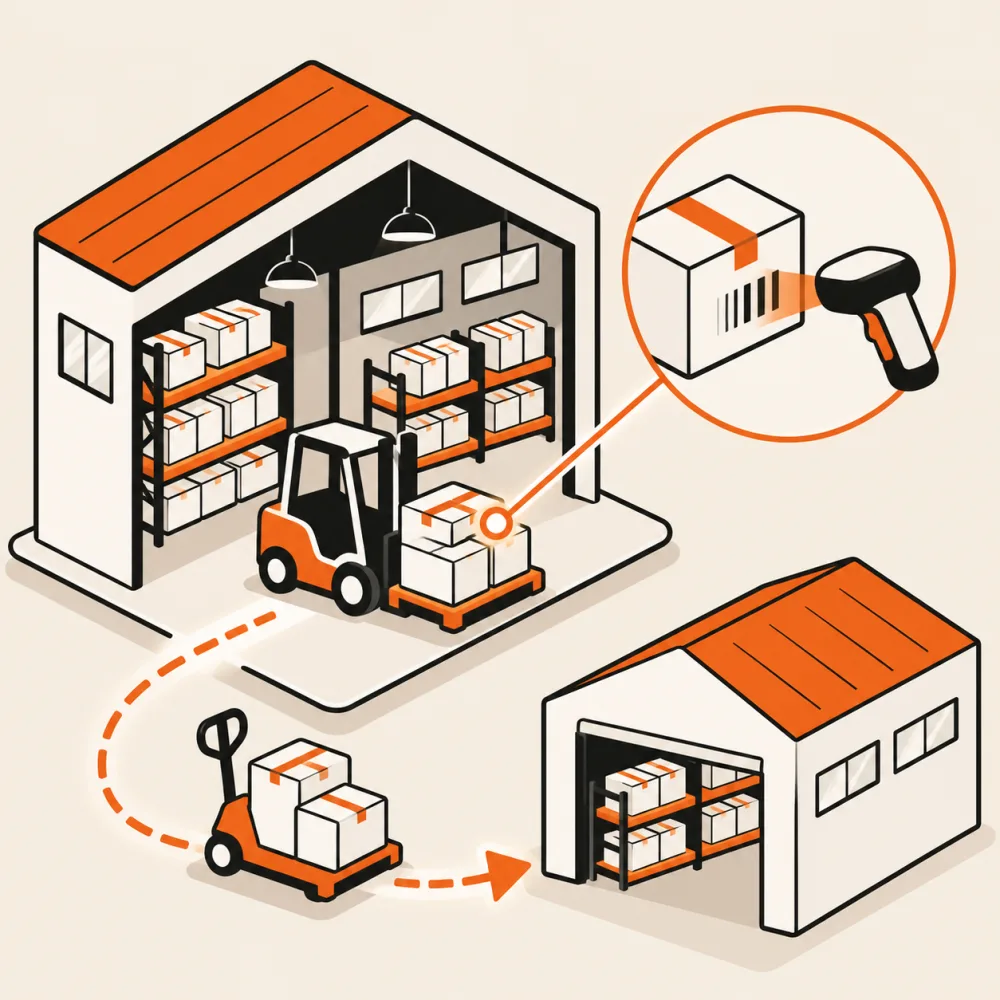
Stock that moves between branches
- Transfers in transit
- A transfer leaves one warehouse and stays in transit until the receiving warehouse confirms it.
- Goods receipts
- Receive against a purchase order, in full or in part, on the web or the phone.
- Adjustments
- Write off damage or correct stock, and the accounting follows.
Counting and ordering
- Stock counts
- Count with the phone by scanning barcodes. The count keeps going without a connection and syncs when you are back online.
- Review before posting
- See the differences, then post them as one adjustment with its journal entry.
- Reorder levels
- Set a level per warehouse. Items below it appear in a list and in the owner’s daily summary.
Stock value that matches the books
- Weighted average cost
- Cost is kept per company and updated with every receipt.
- Stock valuation
- The valuation report equals the inventory account in the balance sheet.
- Slow and dead stock
- See what has not sold in 60 or 90 days.
Try Orda with your own numbers
14 days free with every feature. No payment details needed to start.