

From quotation to cash collected
Quotations, orders, invoices and receipts in one flow, in IQD or USD, with every customer’s balance in view.

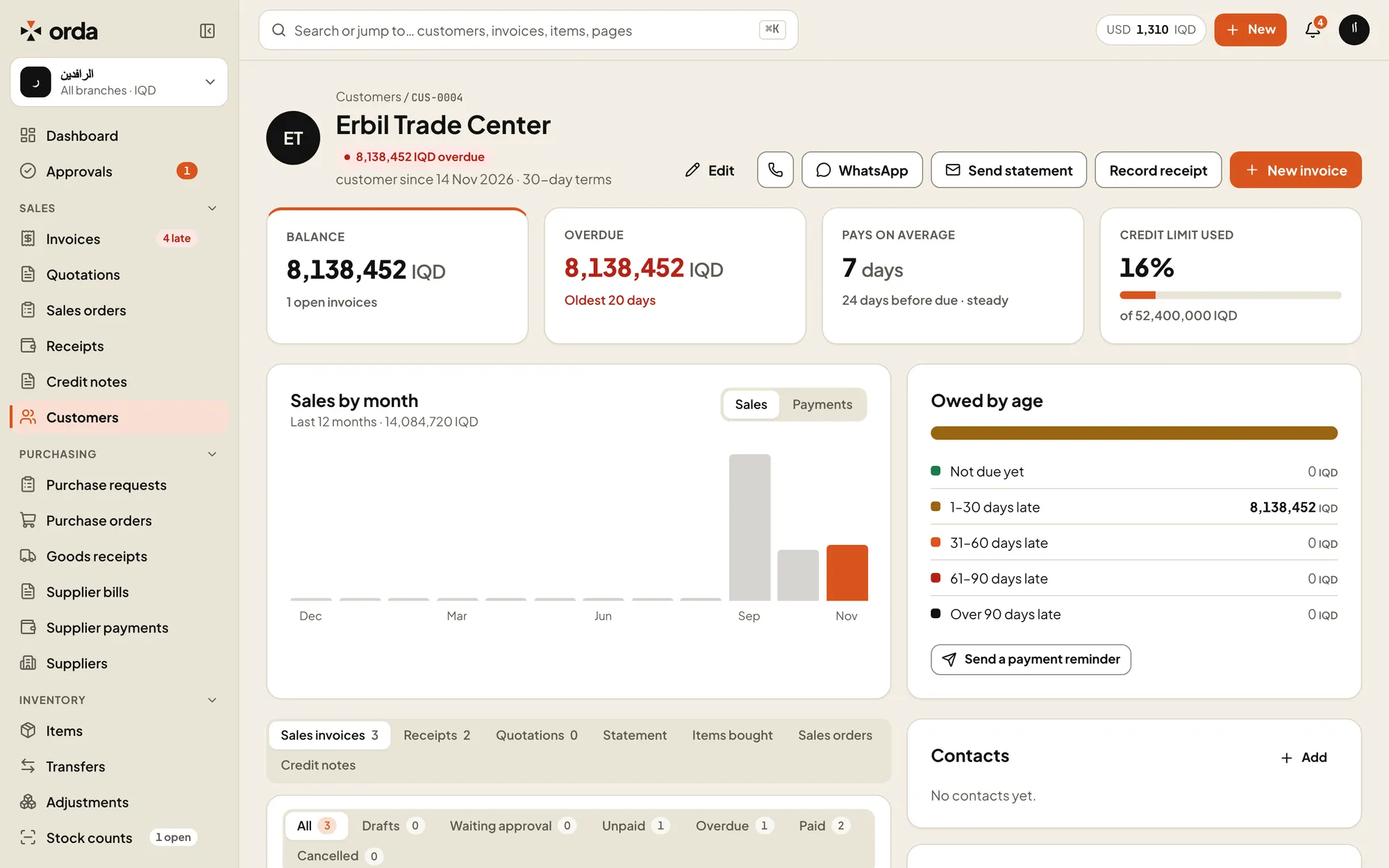
Share on WhatsAppOpens WhatsApp with a link the customer can open.Credit limitHow much of the customer’s limit is used. Above it, invoices go to approval.Debts by ageWhat the customer owes, from not due yet to over 90 days.
The documents you send
- Quotation to invoice
- Turn a quotation into a sales order and an invoice without typing it again.
- Receipts
- Record a payment and allocate it to one or more invoices. Partly paid invoices show what is left.
- Credit notes
- Return goods or correct a price with a credit note.
- Price lists
- Keep price lists and let Orda fill in the price on each line.
Control without slowing sales down
- Credit limits
- An invoice that takes a customer over their limit goes to approval before it posts.
- Discount limits
- Each role has a maximum discount. Above it, the document waits for approval.
- Branch numbering
- Each branch numbers its own documents, so a number tells you where it came from.
Documents customers trust
- PDF with your logo
- Print or download any document as a PDF with your company details.
- QR check page
- Each PDF carries a QR code. Scanning it opens a page that shows the number, date, total and status, and nothing else.
- Email and WhatsApp
- Email a document with the PDF attached, or share it on WhatsApp with a link the customer can open.
- Statements
- Email a customer their statement from their page.
Know who owes what
- Customer page
- Balance, overdue amount, days to pay on average, sales by month and credit used.
- Receivables aging
- Current, 1–30, 31–60, 61–90 and over 90 days, per currency and in your base currency.
- Sales targets
- Set a monthly target per salesperson and see progress on the web and the phone.
Try Orda with your own numbers
14 days free with every feature. No payment details needed to start.